
*There are affiliate links present within this blog post
Building a website has a multitude of steps and can be daunting at first, but we are here to break it down for you so it’s easy and simple to start setting up with your website.
There are two important things that need to be decided when setting up a website; 1) Where are you storing the site and 2) How are you going to build the website?
Bluehost is a great way to host a site. It allows you to buy your domains and create your websites easily with templates. Bluehost works with WordPress and is a great beginner friendly option.
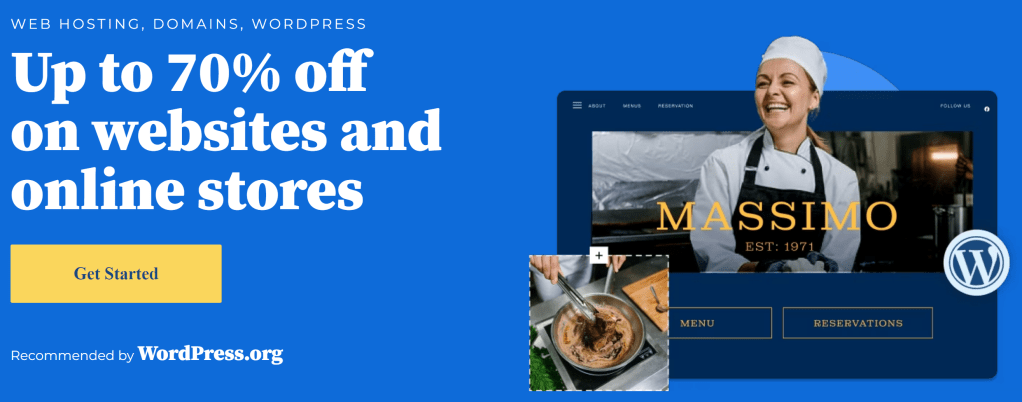
The website platform is very basic and easy to navigate. Additionally, the website does offer a commerce platform to allow for easy set-up of shopping content and handling of orders. There’s also a easy to use dashboard that allows viewing of all orders, monthly revenue etc.
There are other websites available including Shopify and Square Space. These are good but I have heard there are lot of little hidden costs.
After the creation of the website, you need to choose from the lists of themes that are provided to help the site look the way that you want it to. Bluehost will step you through the creation and claiming of the domain that you want to use.
Shopify is also a very easy program to use and is the highly recommended by a lot of people. Shopify is simple and often used as a set up and long term company. They are the best for retail and online as a combo, so go check it out here if you are interested. They cover everything that you need for set up, and are very user friendly!

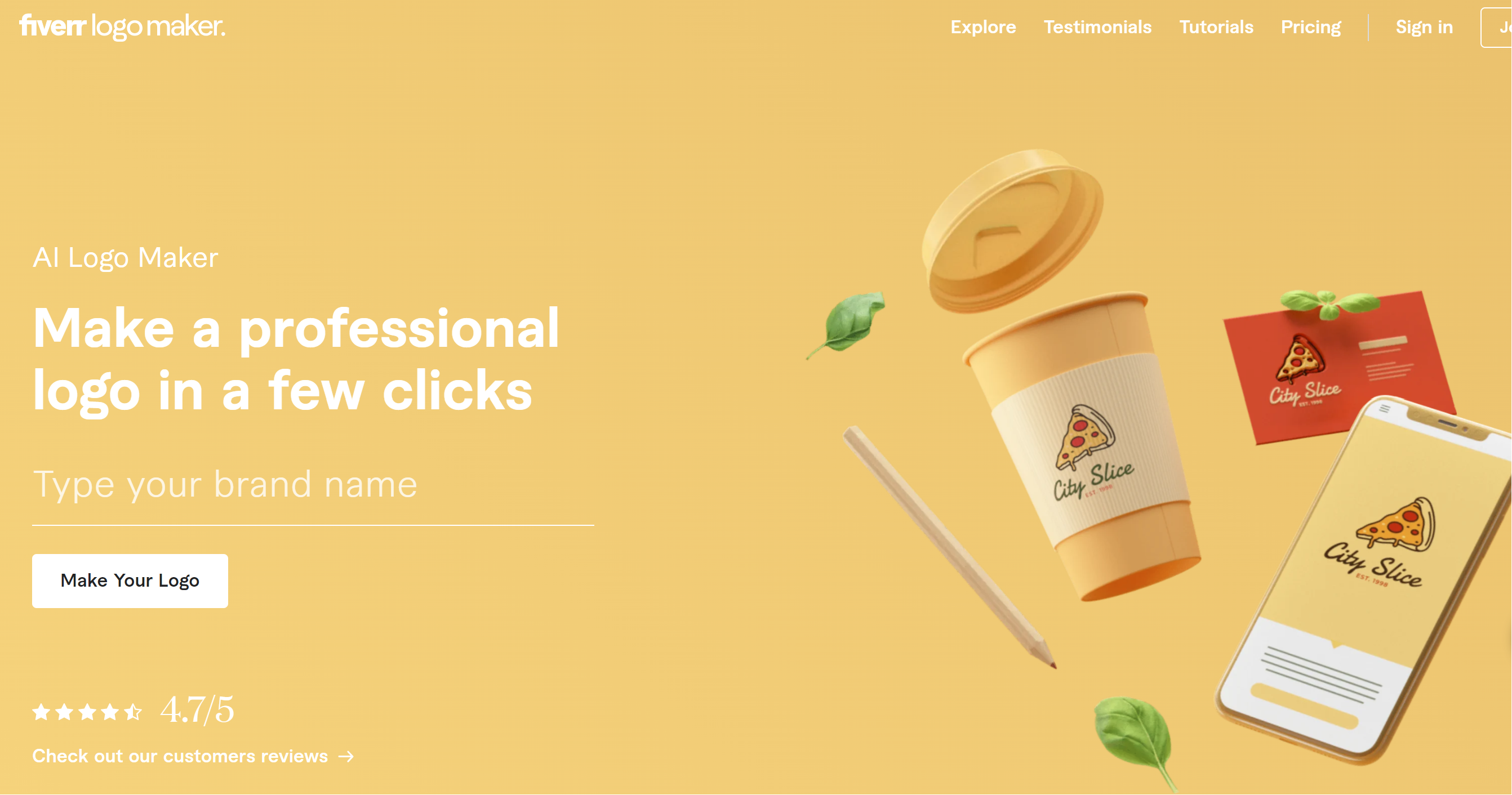
The following step shows how to create a logo. This step is really easy with Fiverr. Their logo creator is easy and you can redo and edit as many times as you like. When completing the logo design and after the alterations, it will ask you to purchase the design.
Personally, for the logo we created, we used the premium plan. This gave us social media logos and WordPress/Bluehost compatible logos of different forms and many other things. But for the basic plan can have the basic set of logos, so enjoy playing around with that.
Additionally you can use websites such as Canva to create a logo, they require a little more manual labour but are a mostly free way to create your logo. Canva is a great website that is going to be really good for social media templates, print on demand and many more things along the way.
Canva is a free program apart from their pro plan, but that’s purely optional and I haven’t needed it yet.
Canva can be used for all social media content creation including TikTok, Pinterest, Instagram and others and has ready made templates that you can alter.

After your website is set up, another really handy improvement is to create professional looking pictures for the website.
Fiverr marketplace is a good way to find UGC (User Generated Content)from other users which will make your products look great.
If you don’t have a large budget using CapCut is a great way of generating professional looking pictures and can even give you AI generated TikTok/ Instagram Reels without having to pay for the professional photo shoots
So to recap the 4 big things that are great for creating a website and running social media content creation are:
- Bluehost (domains and hosting)
- Fiverr for logos and marketplace
- Canva
- CapCut
Thanks for reading this. There will be more content coming from us soon.
Enjoy, and best of luck with your website creation!
Charli

 grumpycodedude.com
Leave a comment